
Sign PDF Online
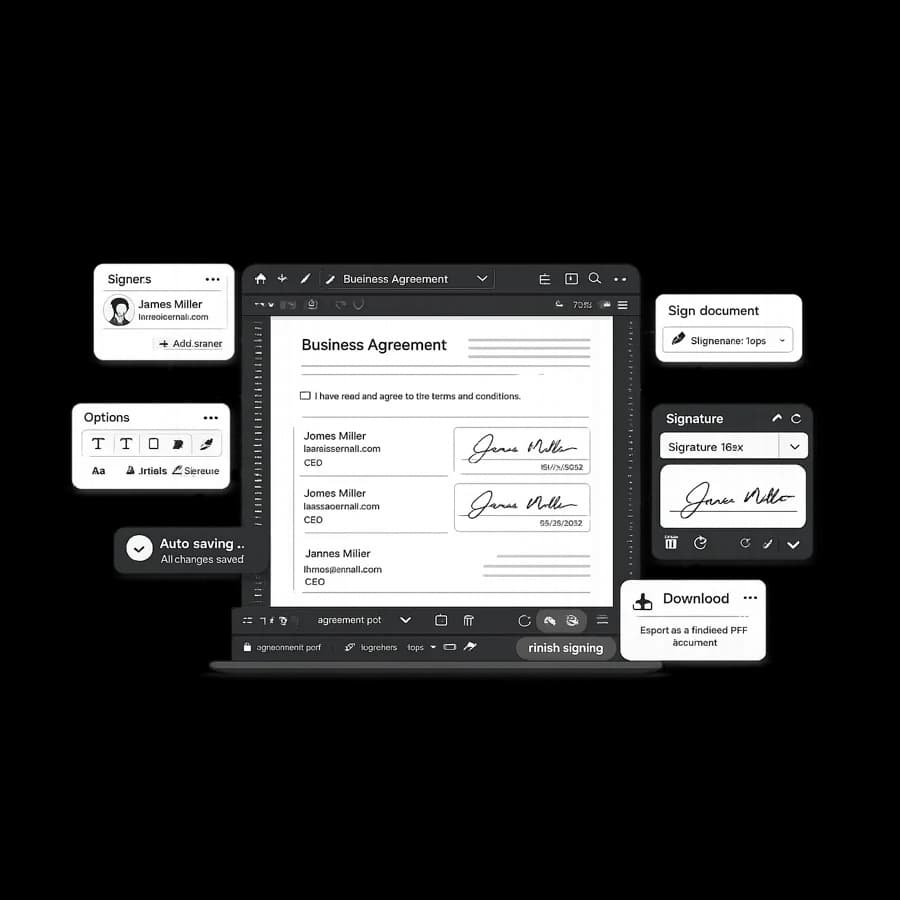
Need to sign a PDF quickly? StudiosisLab gives you a focused browser workflow to upload a file, place signatures, and keep document progress organized in one place.
Benefits
- Sign PDF files without switching between multiple apps.
- Keep active agreements visible in a single workflow view.
- Reduce delays caused by manual back-and-forth handoffs.
- Continue drafts later when a document needs updates.
How it works
- Upload your PDF to start a signing flow.
- Prepare fields and signature steps for the document.
- Complete signing and track progress from the tools workspace.
FAQ
Can I sign a PDF from my browser without installing software?
Yes. You can upload a PDF and complete signature steps directly in the browser workflow.
Do I need to create an account before signing a PDF?
Account sign-in helps keep document actions tied to your workspace so you can reopen and continue later.
Can I return to a draft PDF after closing the page?
Yes. Draft agreements can be reopened from your tools workspace when they are still active.
Where can I review document handling practices?
You can review StudiosisLab security details on the Security page for current handling and access practices.
Related reading
Start signing your PDF
Upload your file and move from draft to signed document with a practical online flow.