
Electronic Signature vs Paper Signature
US teams often need to choose between familiar paper-based signing and faster electronic workflows. This comparison helps you decide based on document speed, coordination effort, and day-to-day operational practicality.
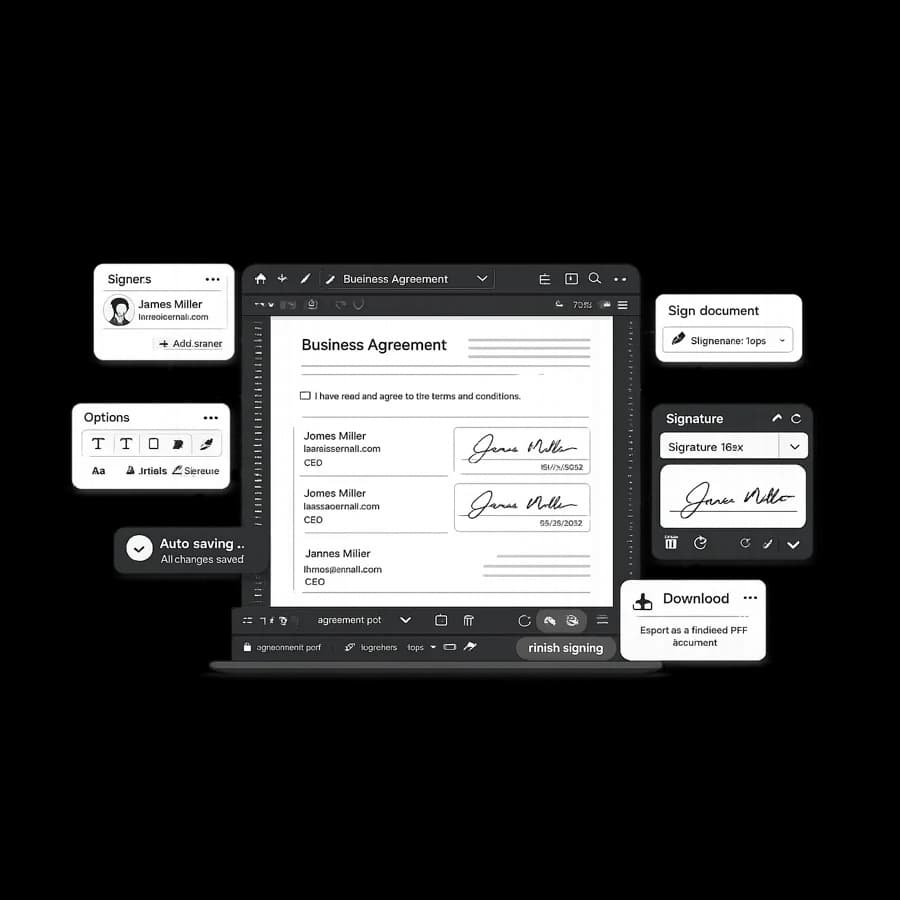
Practical differences
- Paper workflows depend on printing, scanning, and manual file exchange.
- Electronic workflows keep preparation, signing, and status tracking in one flow.
- Paper processes often create version confusion when multiple stakeholders are involved.
- Online signing typically improves visibility for pending and completed document stages.
When electronic signing helps
Electronic signing is usually helpful when teams need faster turnaround, distributed collaboration, and cleaner handoffs between senders and recipients. It reduces repetitive administrative steps and makes follow-up timing easier to manage.
It is especially useful for recurring approvals, onboarding workflows, and service documents that move between departments or remote stakeholders.
When paper signatures may still be needed
Some organizations still use paper signatures for established internal processes or specific signer preferences. In those cases, teams often prioritize continuity with existing process expectations before shifting to digital workflows.
If you are transitioning, start with lower-risk document categories first and measure turnaround and process clarity before wider rollout.
FAQ
What is the main difference between electronic and paper signatures?
Electronic signatures move signing into a digital workflow, while paper signatures depend on print, physical signing, scanning, and manual file handling.
When does electronic signing usually save the most time?
It usually saves the most time in recurring approval workflows, remote collaboration, and high-volume document handoffs.
Are paper signatures still used in some situations?
Yes. Some teams still use paper-based processes based on policy preferences, legacy workflows, or signer expectations.
Where can teams review document handling and security information?
Teams can review the Security page for current information about access controls and handling practices.
Related reading
Start with a practical online signing workflow
Upload a document and run a cleaner signing process with fewer manual steps.